


 SUQQ GO
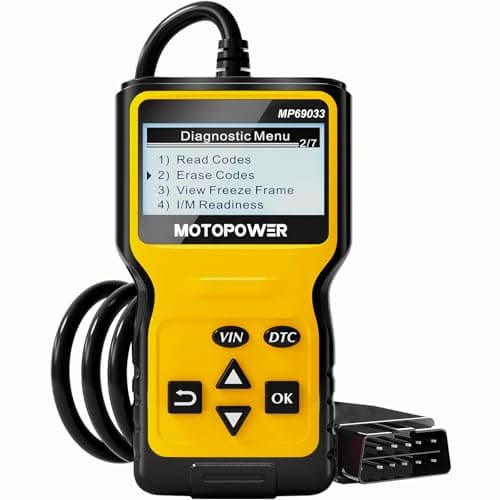
MOTOPOWER MP69033 Car OBD2 Scanner Code Reader Engine Fault Scanner CAN Diagnostic Scan Tool for All OBD II Protocol Cars Since 1996, Yellow
SKU: SQMSQVJ5219B51
4.9 (9)414+ sold
AED 133.48
Inclusive of VAT
Hurry — only 1 left in stock!
Quantity
1
Apply Coupon
Get extra Free delivery
SUQQ GOGet it by Sun, Nov 22Free delivery
Deliver to Dubai
Sold by
CLIQNSHOP
Verifiedseller
Payment options & EMI plans







Why shop with SUQQ
- Secure payment
- Verified sellers
- Fast UAE delivery
- 14-day returns
Trending for you
View all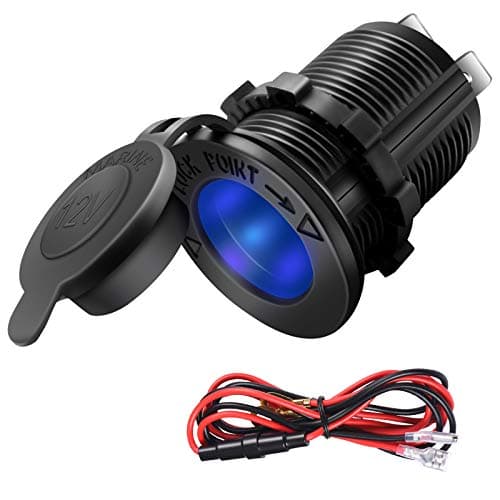 Cigarette Lighter Socket Car Marine Motorcycle ATV RV Lighter Socket Power Outlet Socket Receptacle 12V Waterproof Plug LED Blue by ZHSMS4.8 (19)AED 55.79
 CURT 55315 VehicleSide Custom 4Pin Trailer Wiring Harness Fits Select GMC C1500 C2500 C3500 K1500 K2500 K35004.9 (19)AED 151.02
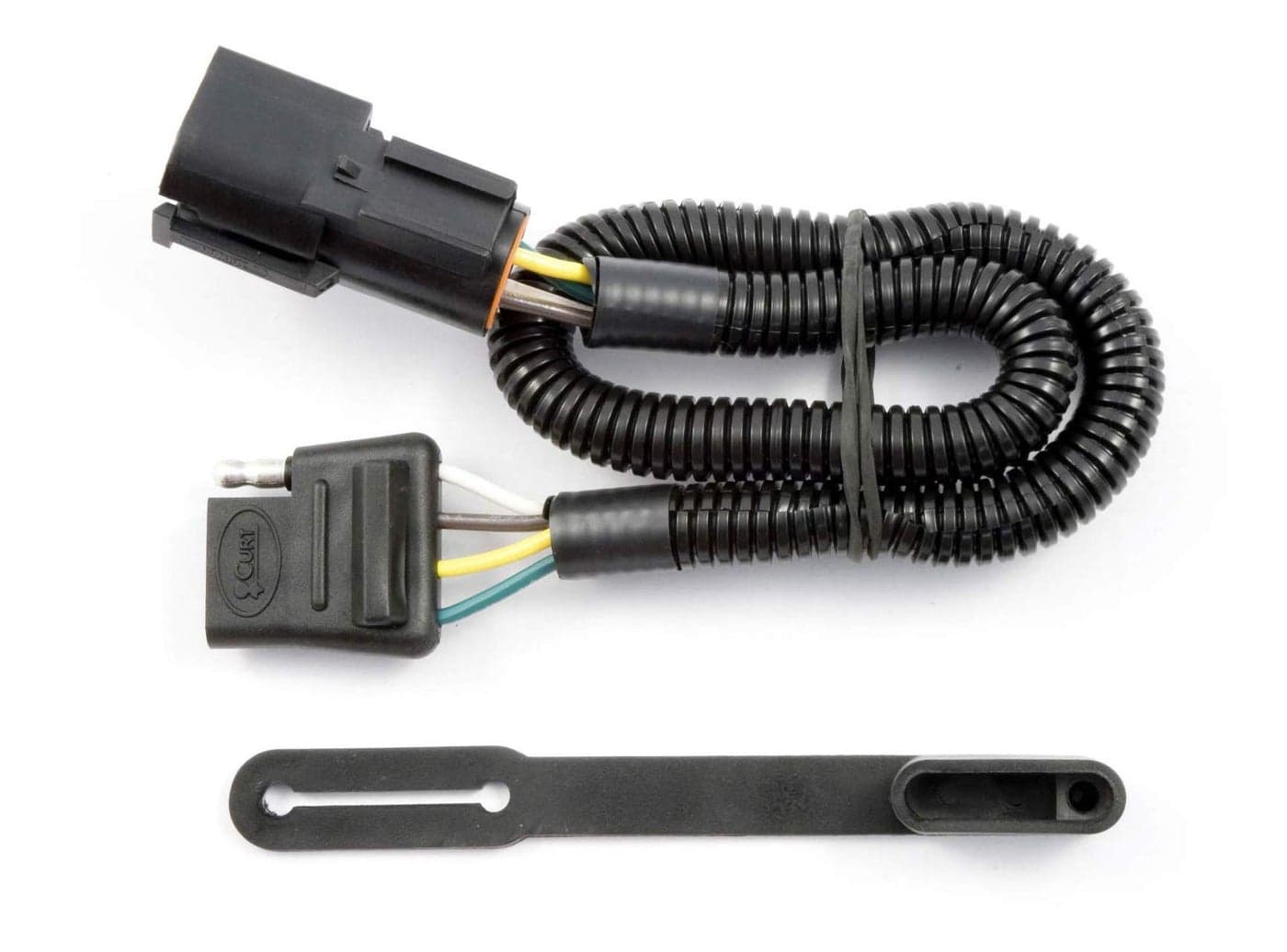 CURT 56073 VehicleSide Custom 4Pin Trailer Wiring Harness Fits Select Ford Freestar Mercury Monterey4.8 (19)AED 130.64
 ACDelco Professional 908W Spark Plug Wire Set4.6 (19)AED 194.98
 1 Pair Battery post terminalsBrass M6 Extender Bolt Terminals for Positive and Negative Standard Battery Posts of Cars Boats Batteries4.8 (19)AED 74.01
 ANODZU 12V Power Outlet Cigarette Lighter Socket Fit for Chrysler Jeep Ram Dodge Select Models with Tool Replace 4793554AC4.9 (19)AED 108.75
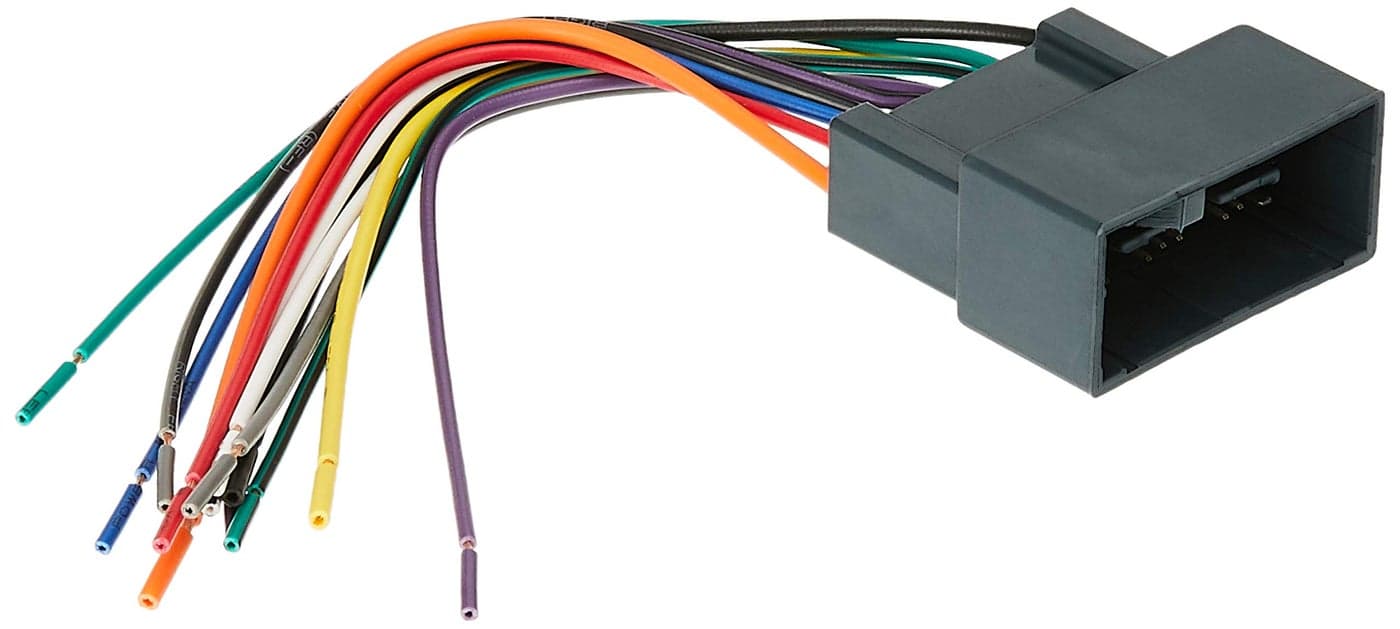 Metra 701729 Radio Wiring Harness for Honda 2008Up4.8 (19)AED 85.41
 Subaru Impreza WRX STi Forester Crosstrek Battery Tray 82122AG002 Genuine OEM4.6 (19)AED 142.77
 CURT 56378 VehicleSide Custom 4Pin Trailer Wiring Harness Fits Select Honda Odyssey4.9 (19)AED 353.31
 NGK 8128 RCTE41 Spark Plug Wire Set4.9 (19)AED 347.49
You May Also Like
View all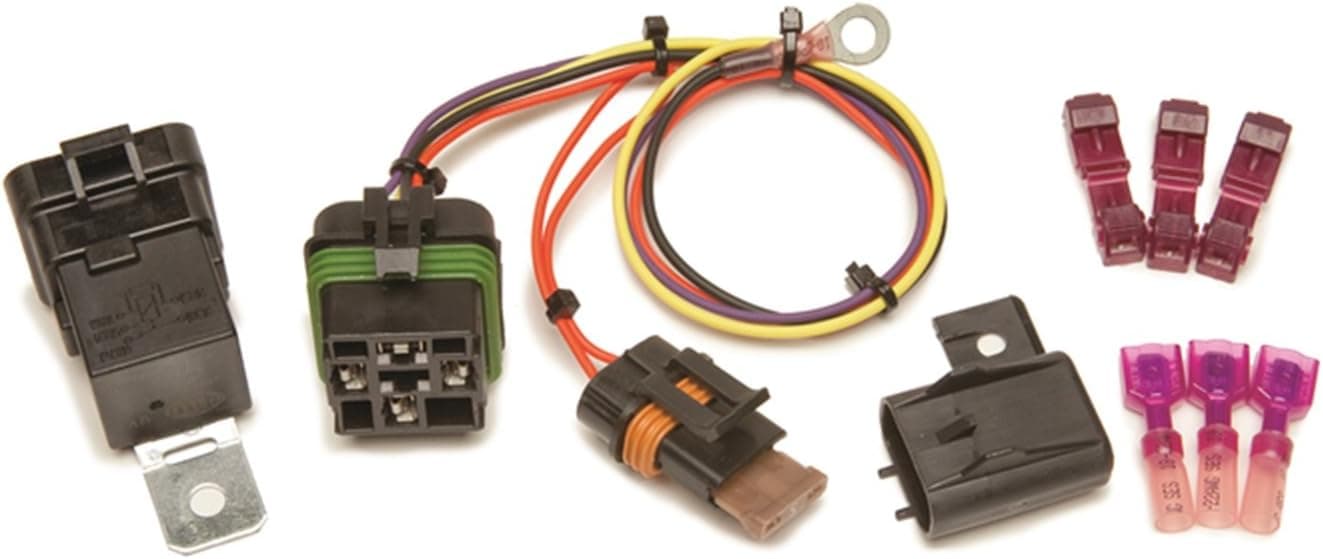 Painless Performance 30821 High Beam Headlight Relay Kit for 1999-2002 GM Trucks & SUVs4.9 (17)AED 272.30
 LINKITOM Rooftop LED Strobe Lights - 72 LED High Intensity Emergency Flashing Warning Light with Strong Magnet Base for 12-24V Vehicles (Amber)4.7 (17)AED 214.89
 ACDelco Gold 3371033 Starter4.8 (17)AED 1,228.76
 Partsam 2Pcs Glass Watermelon Lights Patented Clear Lens Blue LED Side Marker Clearance Lights with Bezel Replacement for Kenworth Peterbilt Freightliner Trucks4.7 (17)AED 465.45
 4WDKING 20 Inch LED Light Bar - Off Road Spot Flood Combo4.6 (17)AED 374.76
 ASPL 26inch 126 LED Rooftop Emergency Strobe Lights Bar Double Side Flashing Safety Warning Traffic Advisor Light Bar Hazard Snow Plow Light for Trucks Vehicles Construction Tow PickupAmberWhite4.6 (17)AED 453.45
 Huray Left Back Up Light for Honda Pilot 2016 2017 2018 OE Inner Reverse Lamp Replacement HO2882100 34550TG7A024.8 (17)AED 243.96
 Cenfeild LED Tail Lights Fit for 20072014 Chevy Silverado 1500 2500 HD 3500 HD for 20082014 GMC Sierra 3500 HD with Dual Wheel Only Rear Brake Lamp Taillight Assembly Chrome Housing Smoked Lens4.7 (17)AED 697.84
 DEPO 320-1505R-AS Replacement Passenger Side Parking Light Assembly4.9 (17)AED 299.81
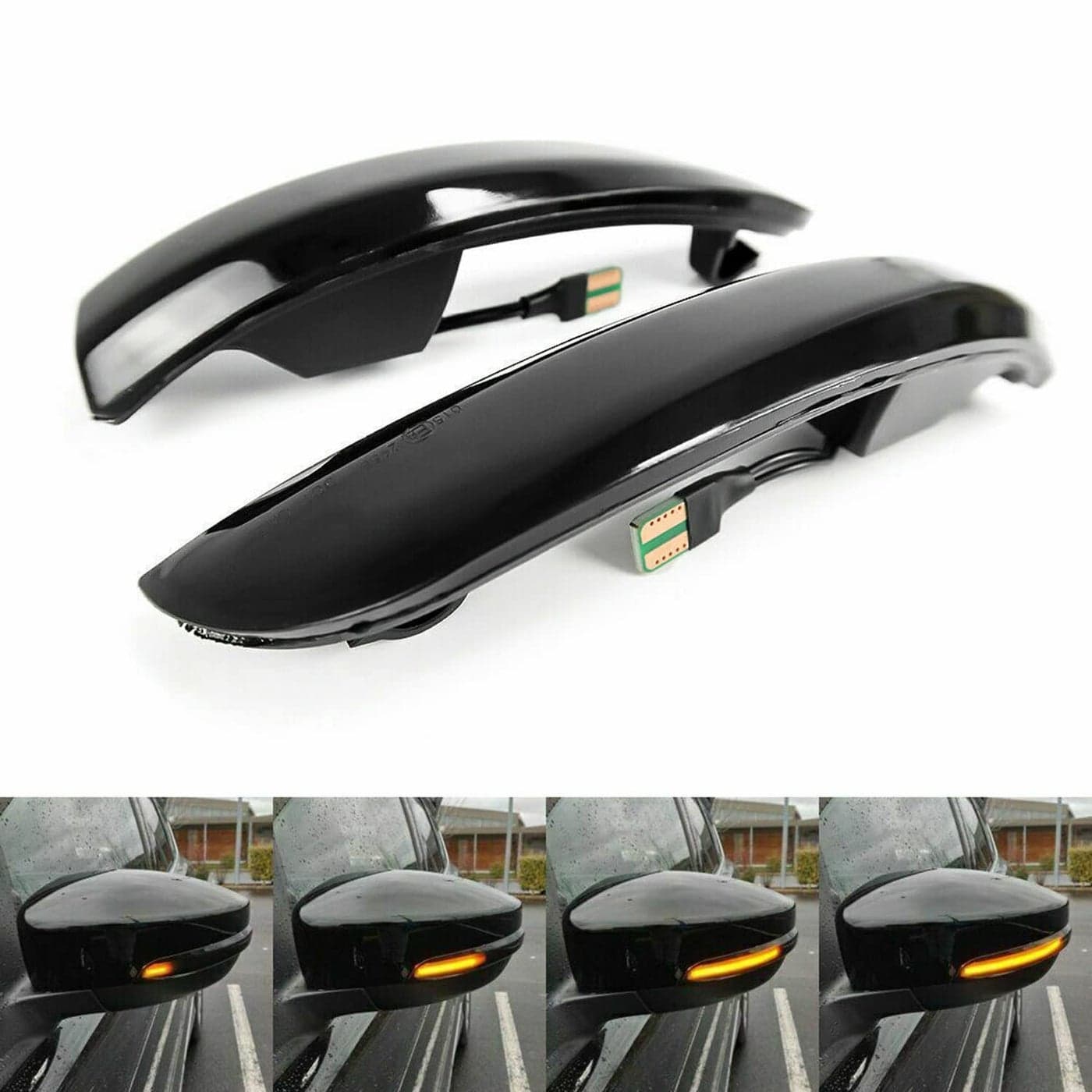 Fuguang Sequential LED Side Mirror Lights Turn Signal Smoked Lens Compatible with Ford Kuga Escape Ecosport 20132018CMax 20132017Focus 20122018 SE ST RSAmber4.6 (17)AED 207.10
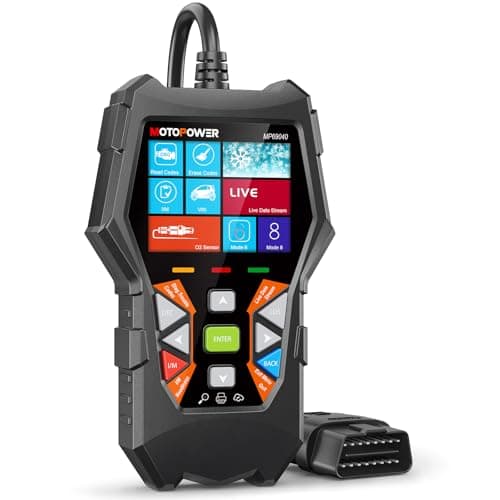
Multi-Functions - Practical Multi-Functions OBD2 code reader features built-in OBD2 DTC lookup library, which help you to determine the cause of the engine light, read code, erase code, view freeze frame, I/M ready, vehicle information, data flow, real-time curve, get vehicle speed information, calculate load value, engine coolant temperature, get engine speed.. Wide Capability - Supports 9 protocols compatible with most 1996 US-Based, 2000 EU-Based and Asian cars, and newer OBD II & CAN domestic or import vehicles. Supports 6 languages - English,German, Dutch, Spanish, French, Italian.. 2.8"" LCD Display - Designed with a clear display 2.8"" Large LCD screen - white backlight and contrast adjustment. No need any battery or charger, OBD reader gets the power directly from your vehicle through the OBDII Data Link Connector.. Compact Design - Car diagnostic scanner is equipped with a 2.5 feet long cable and made of a very thick flexible insulator.There are 6 buttons on OBD2 Scanner:scroll up/down,enter/exit and buttons that quick query VIN vehicle number& the DTC fault code.. ABS / Airbag codes NOT Supported - It is able to read and clear check engine information which is part of OBDII system, but it cannot work with non-OBDII systems, including ABS / Airbag / Oil Service Light, etc.. Screen Protecting Film - There’s a transparent screen protecting film on the screen surface. If any scratches on the film, just tear off the screen protecting film. If any more problem on the screen, just contact our customer service for replacement directly.. Connection Guide - Plug the scanner into the OBDII port on your car, turn on the ignition and then press the OK button to make the connection. To view the live data, please start the engine. If connection failure, please contact motopower directly for assistance.
More from MOTOPOWER







Similar items




MOTOPOWER MP69033 Car OBD2 Scanner Code Reader Engine Fault Scanner CAN Diagnostic Scan Tool for All OBD II Protocol Cars Since 1996, Yellow
AED 133.48