SUQQ GO
Gvirtue
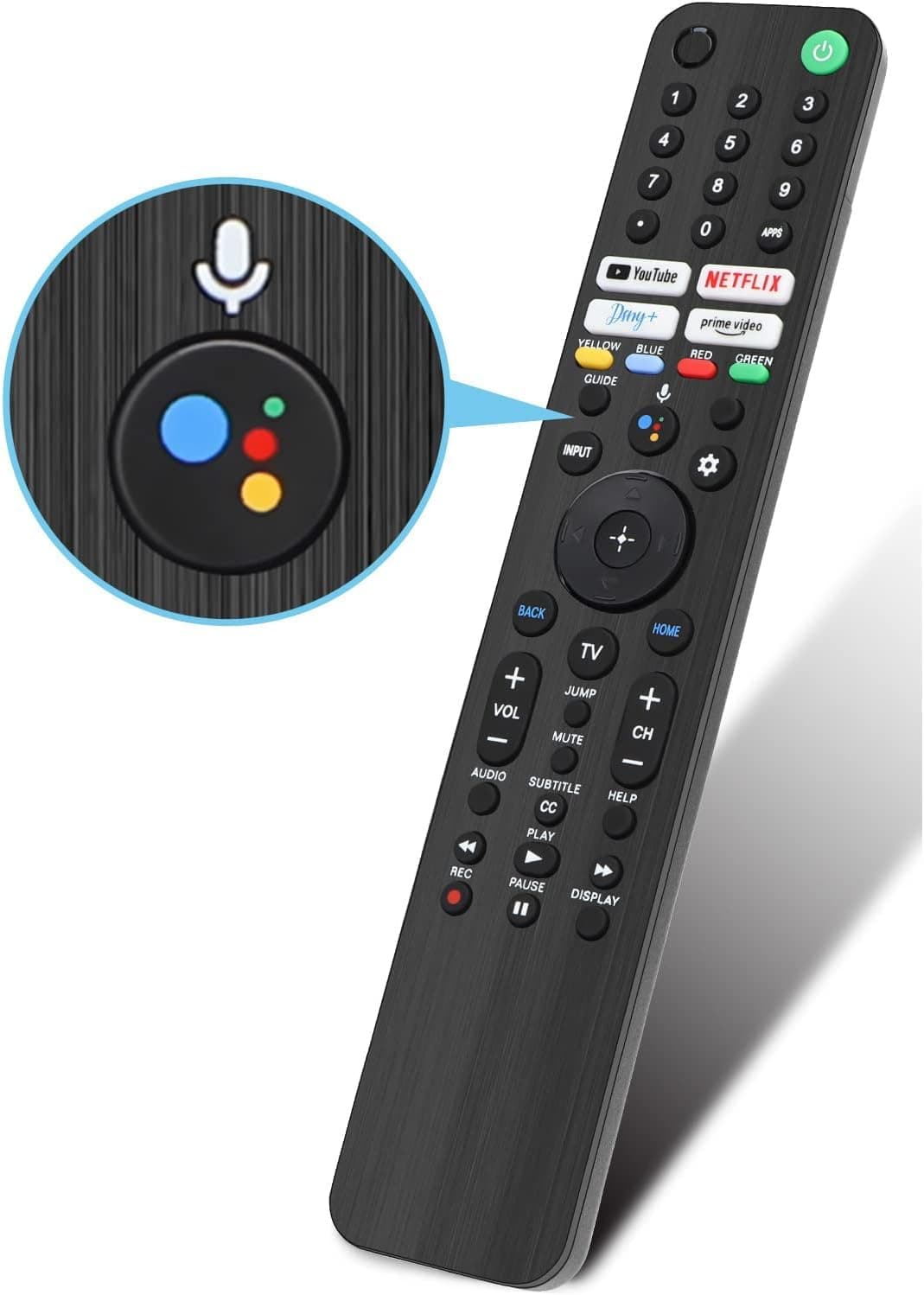
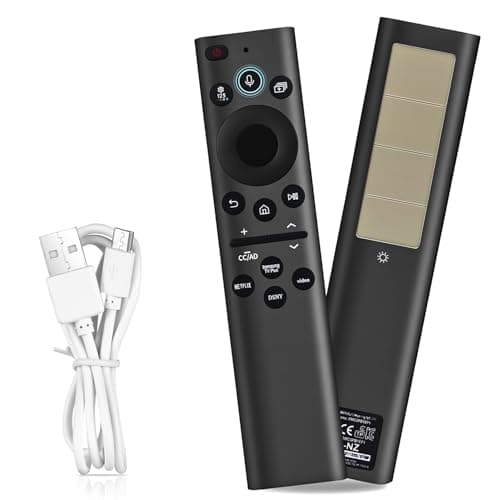
Universal Remote for All Samsung TV Remote Replacement Compatible with All Samsung LED LCD QLED HDTV 3D Series Smart TVs BN5901259B4.8(17)
AED 77.31
Get it by Fri, Oct 2




SKU: Z41CEC577FC16C023CAA8Z
Coupons & Offers
SUQQ GOGet it by Fri, Oct 2
Deliver to Dubai ·
14-day returns — free & easy
Sold by
CLIQNSHOP
Why with SUQQ
Payment options
[Instructions for pairing] 1. Turn on the mi tv remote Xiaomi TV or box manually first. Place the remote control near the Xiaomi TV or box and at the same time press and hold the red wire model button underneath for 15-30 seconds.. [Instructions for pairing] 2. After the TV displays the pairing interface, release the button and wait for the TV to be displayed. [Instructions for pairing] 3 the successful pairing. It can be used normally. If the pairing is not successful, please repeat the above steps.. Remote Control for Xiaomi Mi TV Stick/MI BOX 4S 4K. Powered by 2 AAA batteries (not included)
AED 60

AED 81

AED 52
Total for 3 items
AED 193
SUQQ GOGet it by Fri, Oct 2

 SUQQ GO
Get it by Fri, Oct 2

 SUQQ GO
Get it by Fri, Oct 2
 SUQQ GO
Get it by Fri, Oct 2
 SUQQ GO
Get it by Fri, Oct 2

 SUQQ GO
Get it by Fri, Oct 2

 SUQQ GO
Get it by Fri, Oct 2

 SUQQ GO
Get it by Fri, Oct 2
 SUQQ GO
 SUQQ GO
 SUQQ GO
Get it by Fri, Oct 2

 SUQQ GO
 SUQQ GO
 SUQQ GO
Get it by Fri, Oct 2

 SUQQ GO
Get it by Fri, Oct 2

 SUQQ GO
Get it by Fri, Oct 2
 SUQQ GO
Get it by Fri, Oct 2
 SUQQ GO
Get it by Fri, Oct 2

 SUQQ GO
Get it by Fri, Oct 2

 SUQQ GO
Get it by Fri, Oct 2

 SUQQ GO
Get it by Fri, Oct 2

 SUQQ GO
Get it by Fri, Oct 2

 SUQQ GO
Get it by Fri, Oct 2
 SUQQ GO
Get it by Fri, Oct 2
Gvirtue Remote Control for Xiaomi Mi TV Stick/Mi Box 4S 4K, Replacement Remote Control for Xiaomi Mi TV Stick with Bluetooth and Voice Control